1. Choose an episode and three events to preserve
Illustrative passage: Just before closing, bookseller Aoi finds a letter tucked into a shelf. It is from a boy who had visited every day until yesterday. Aoi runs to the entrance, but the boy is already gone.
The three events are finding the letter, recognizing its sender and arriving too late. For a long novel, choose a self-contained decision or change rather than squeezing in an entire chapter. Use writing you own or have permission to adapt.
2. Convert exposition and thoughts into visible actions
Instead of instructing the image to show that Aoi feels anxious, specify observable actions: examining the addressee, glancing at a clock and running to the door. An empty entrance can communicate the boy’s absence without explanatory dialogue.
Keep a record of omitted information so you can distinguish deliberate adaptation from an unintended change in an AI suggestion.
3. Assign page roles before editing panels
One possible two-page plan puts the discovery and recognition on page 1, then the pursuit and absence on page 2. Ending page 1 with a close-up of the address gives Aoi a reason to act on the next page. This is a proposed layout, not a measured generation result.
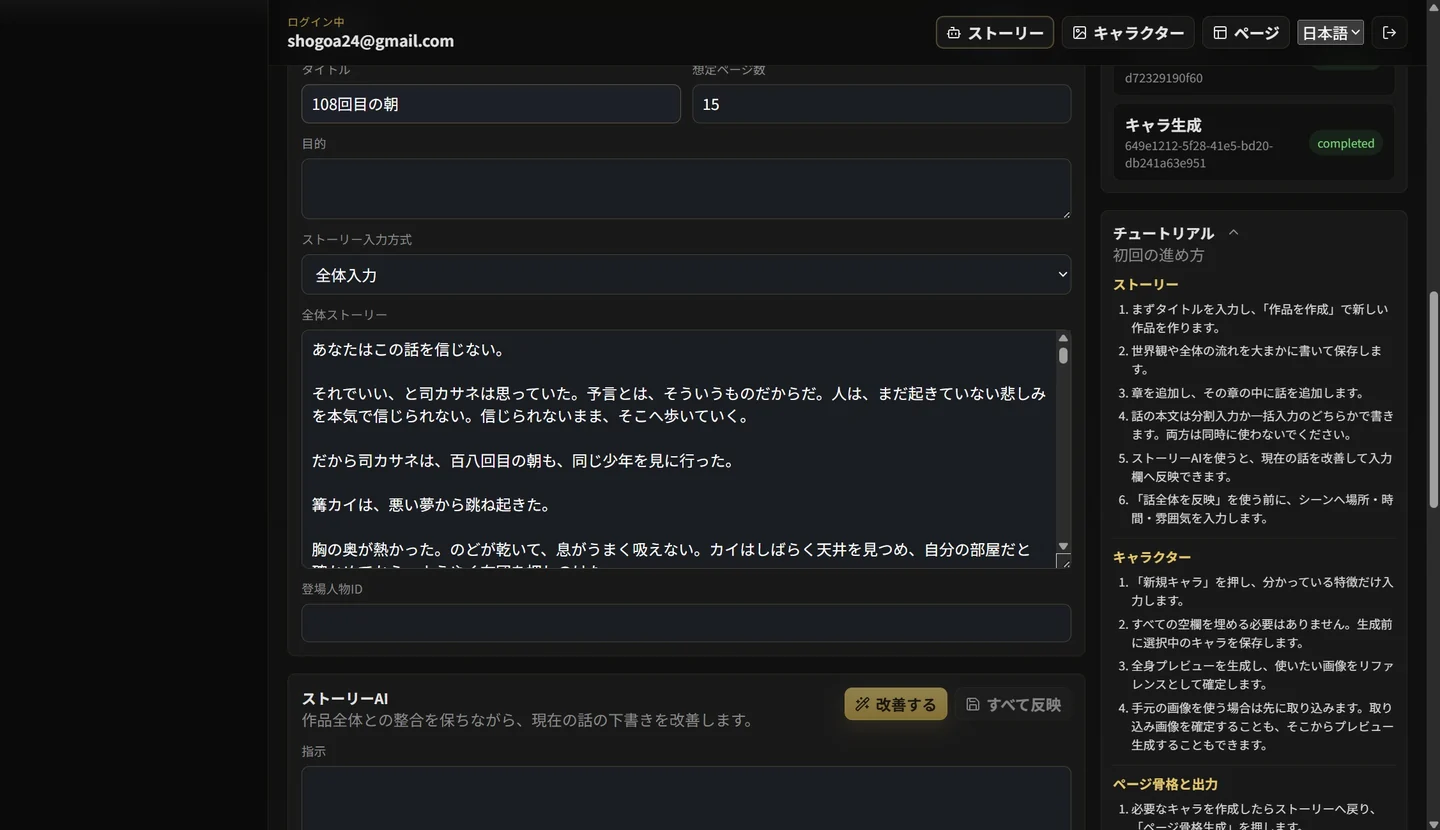
In Lyra, create the work, episode and characters, enter the story and inspect the page and panel suggestions. Edit each panel’s characters, background, framing and dialogue. Check that events are not duplicated and that recognition happens in the right order.
4. Check references and generation costs
Keep Aoi’s appearance and outfit, the bookshop and time of day consistent, then select reference images. When several people appear, clarify each person’s role and check that settings remain consistent between pages.
Check the displayed credit cost and try one page first. Generation and regeneration start at 3 credits per page; four or more reference images add to the cost. Include repeat attempts in your budget.
5. Compare the source and output before accepting it
Point to where a reader can understand each of the three source events in the generated pages. Check whether the sender remains the same person, whether Aoi’s reason for running is clear and whether the final absence has the intended effect.
Review text errors, changes in faces or outfits and reading order before deciding whether to edit inputs or regenerate. Automatic prose conversion does not guarantee a finished work. Read text and images together, and check material rights and publishing conditions before releasing or selling it.